
Why Markise
-
Native and fast
Pure Rust from parser to pixels. No browser engine inside, starts in a blink and sits at zero CPU while you think.
-
Your bytes, untouched
Open a file and save it: what you did not edit is written back byte-for-byte — line endings, spacing, odd syntax and all.
-
Huge files, instantly
Logs, exports, generated docs: a 10 MB Markdown file shows its first screen in about a tenth of a second and scrolls smoothly, where many editors simply refuse to open it. Only what is on screen is laid out.
-
Private by design
No telemetry, no accounts, no network calls. Your notes stay on your disk.
Write in Markdown, read it beautifully
Headings, lists, task lists, tables, quotes, code blocks and footnotes render as you read them, following CommonMark and GitHub Flavored Markdown. Switch to source mode whenever you want the raw text.
- Outline of every heading — click to jump
- File tree of the folder you opened
- Source mode one shortcut away

Dark mode, done properly
Every theme comes in light and dark, and Markise follows your system appearance. The outline and file tree are themed too — no bright sidebar at midnight.

25+ themes, and the ones you already have
Built-in themes plus palette packs — Catppuccin, Dracula, Gruvbox, Nord, Rosé Pine, Tokyo Night and Markise Night. Markise also imports community themes written for Typora, so a CSS theme you like probably works already.
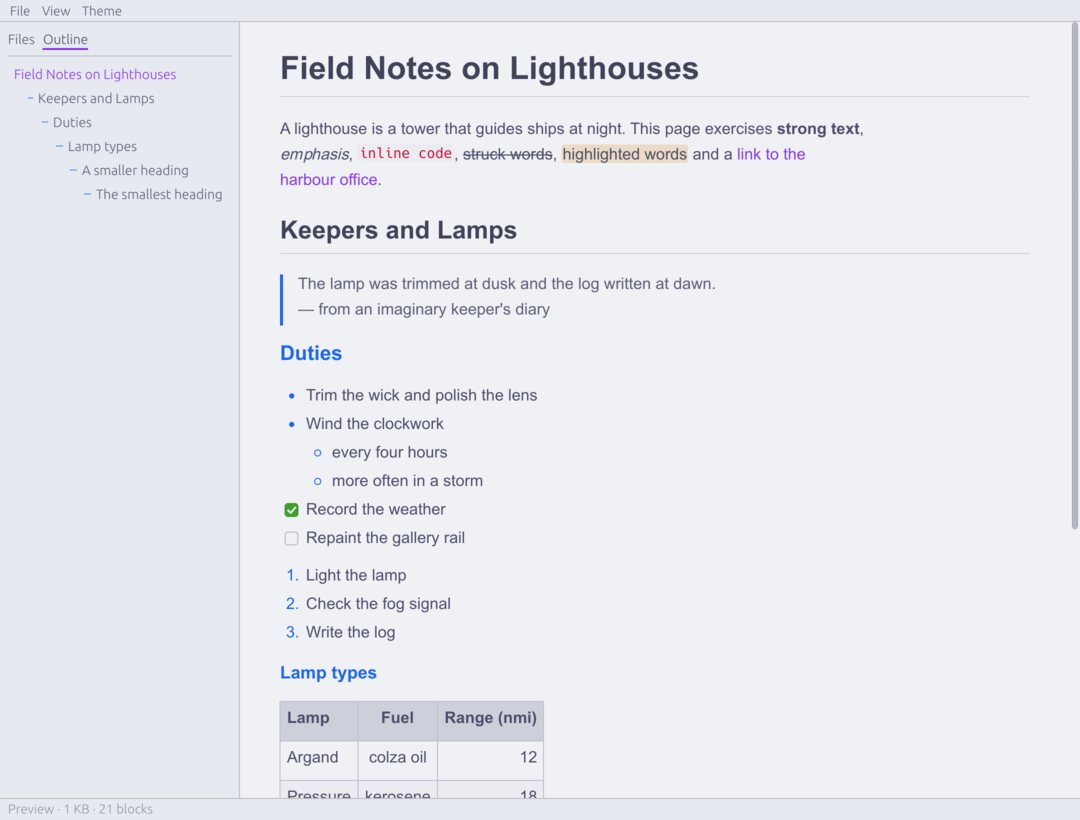
Catppuccin Latte 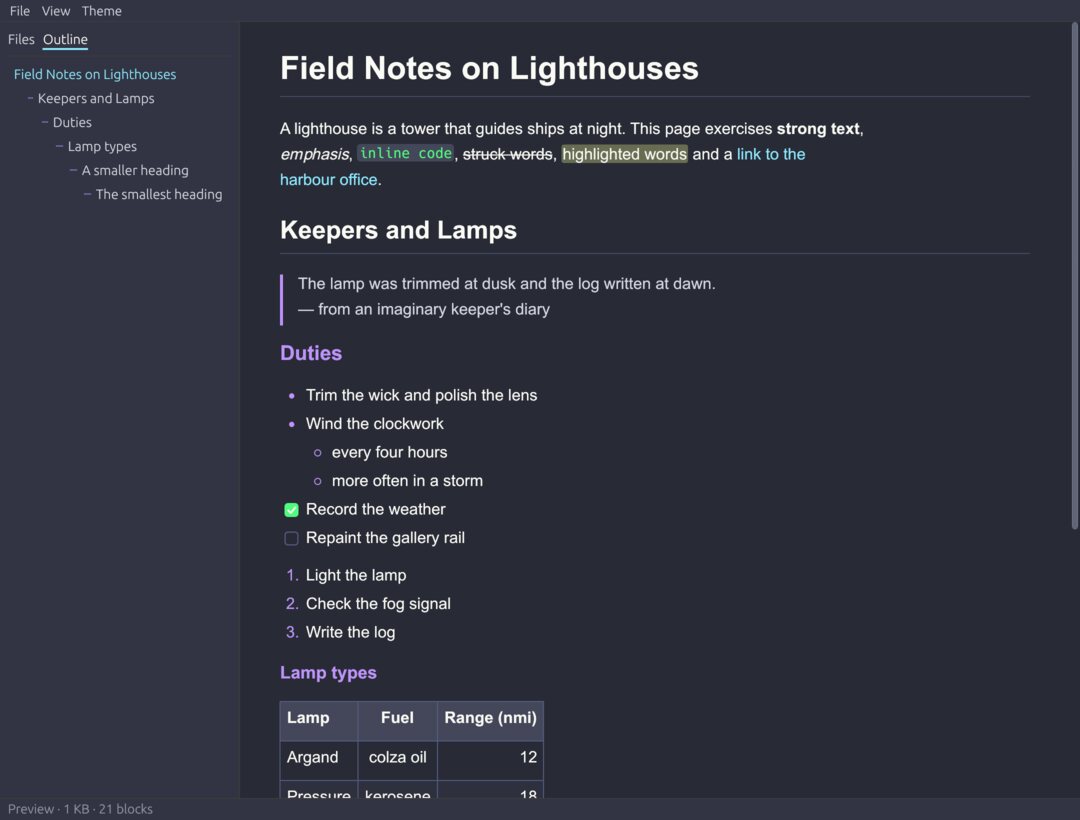
Dracula 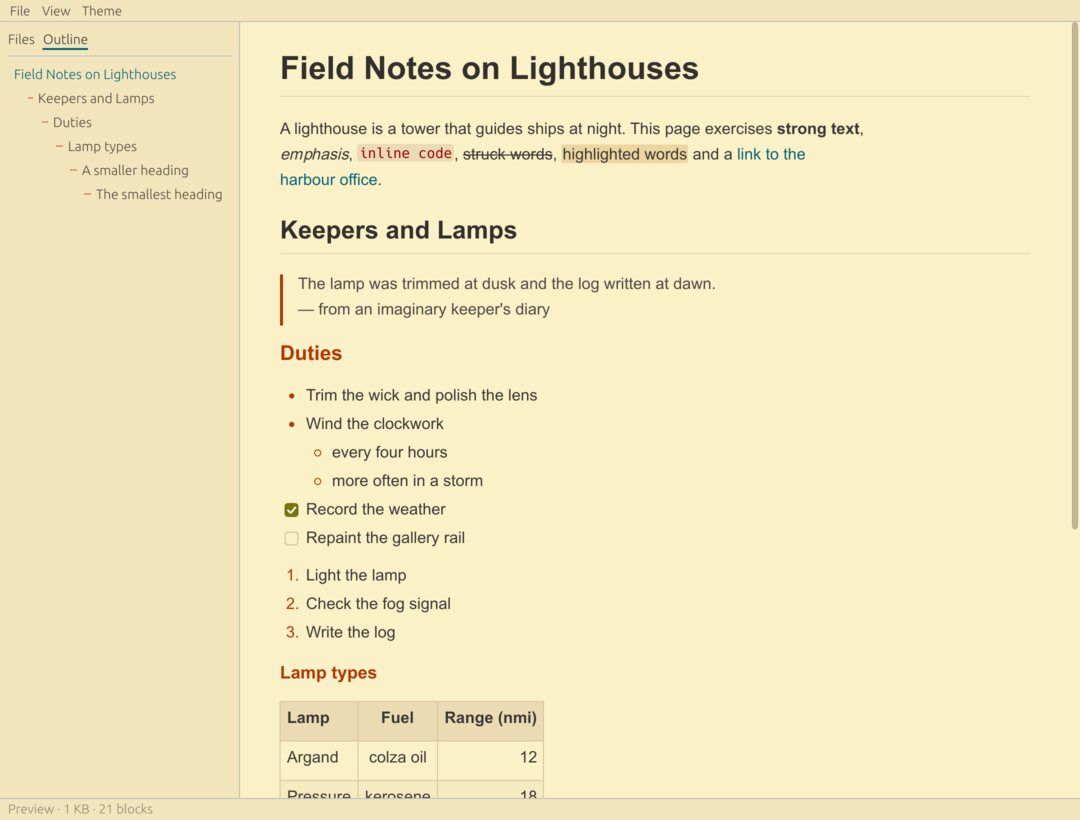
Gruvbox Light 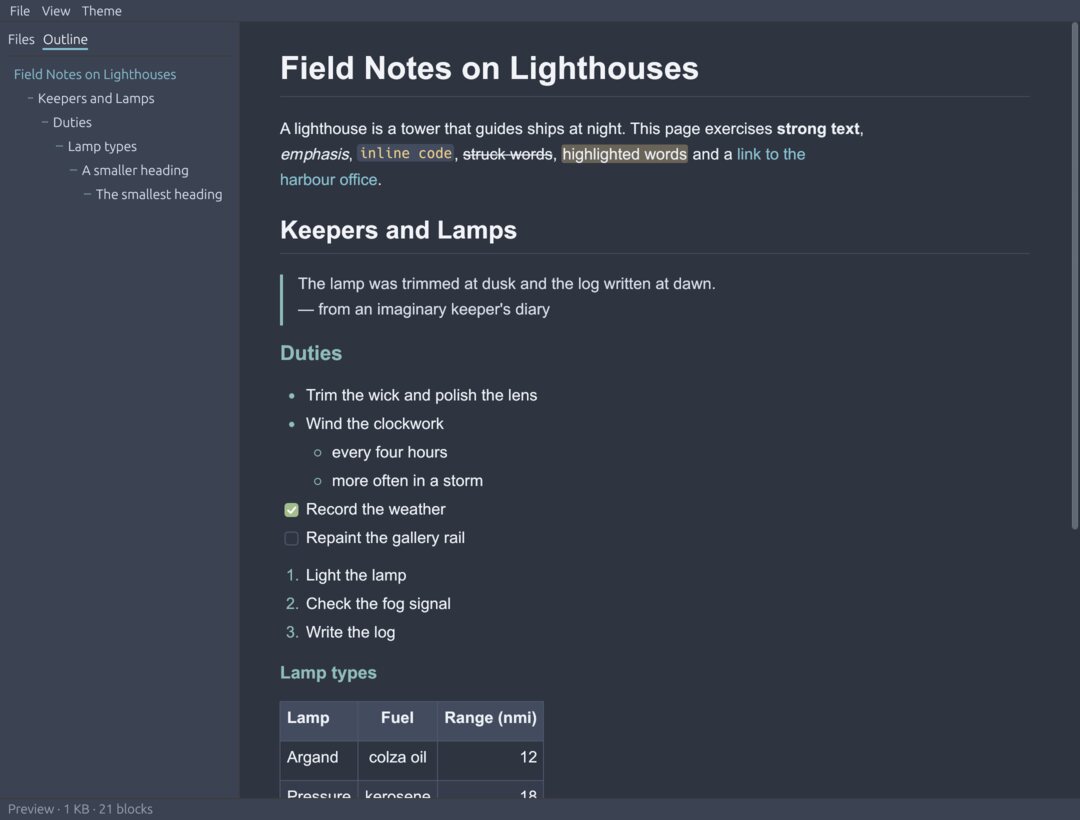
Nord 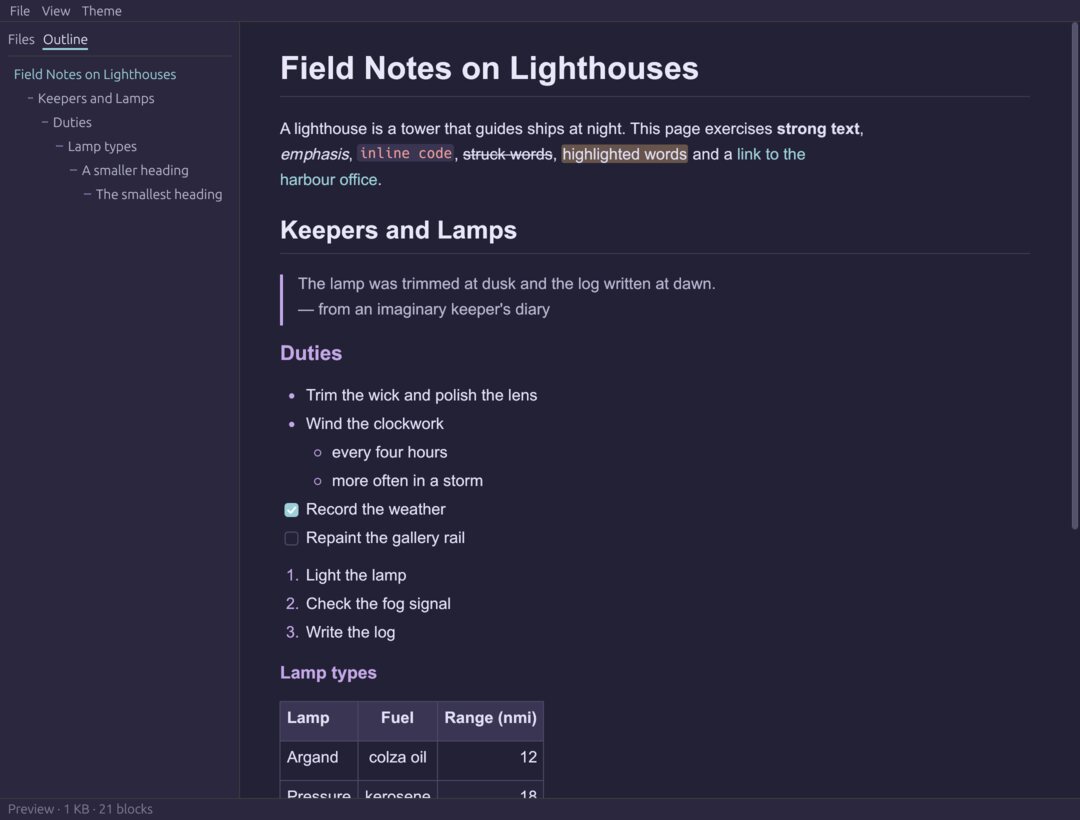
Rosé Pine Moon 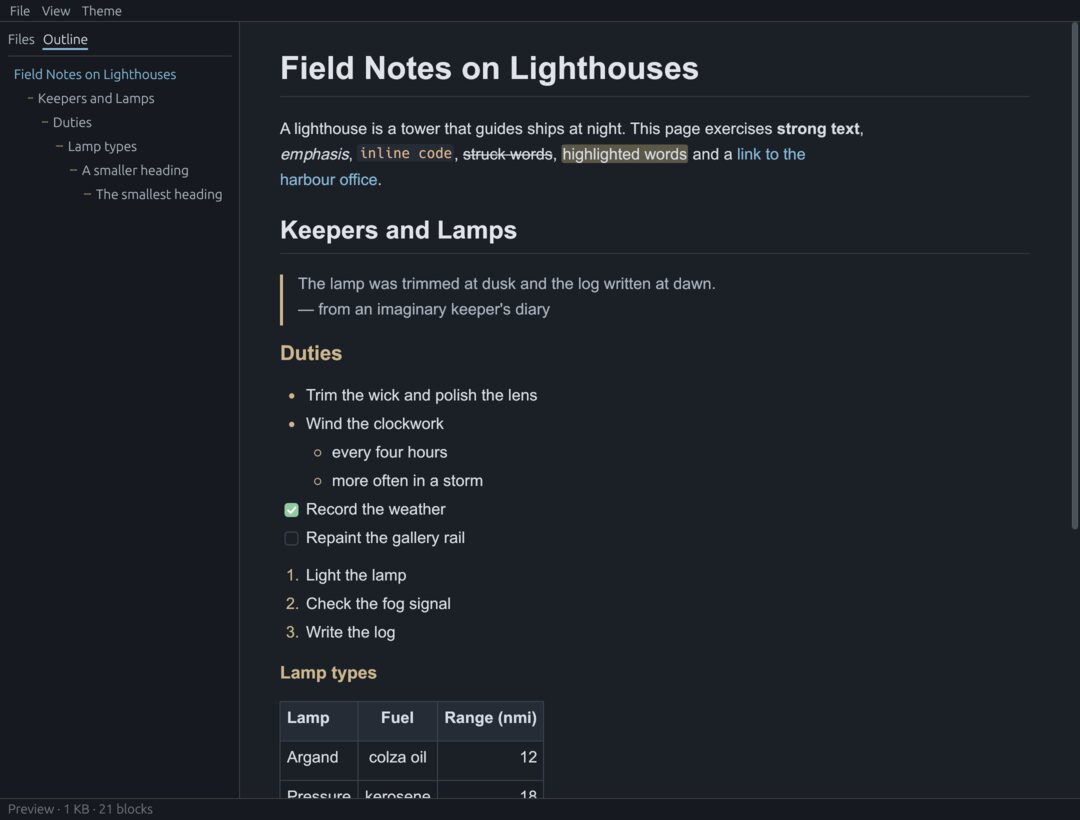
Markise Night 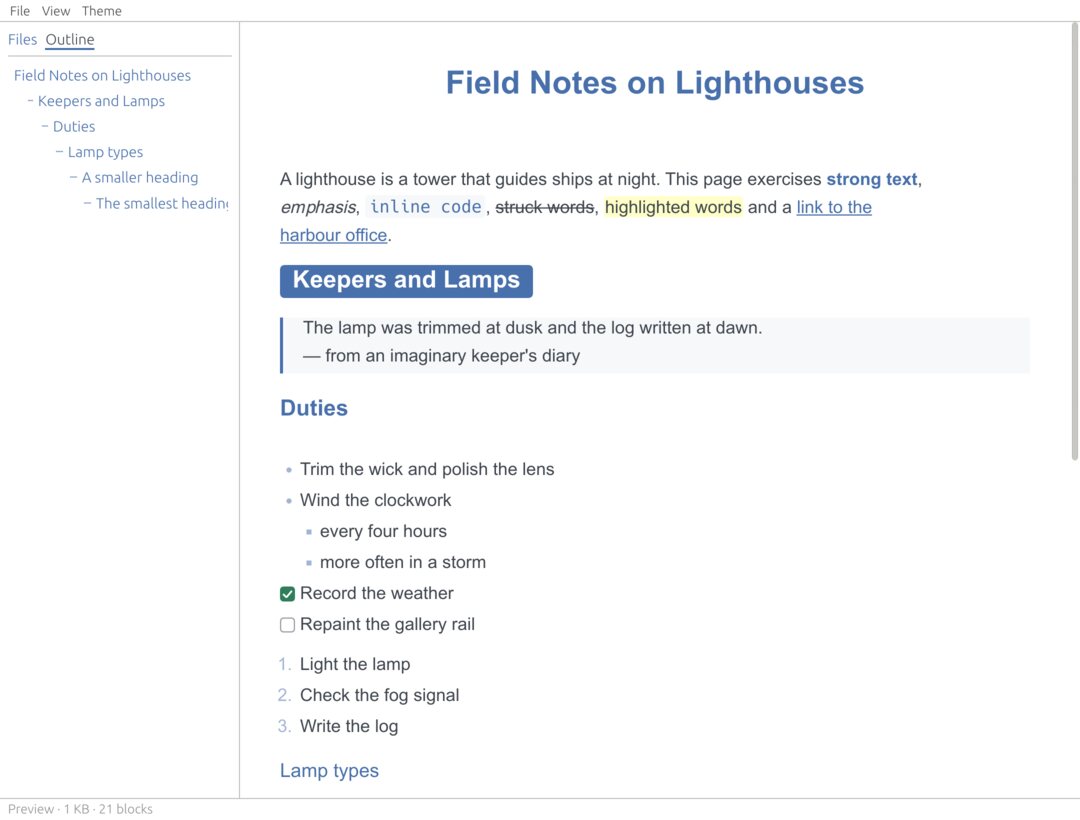
Lapis (community theme) 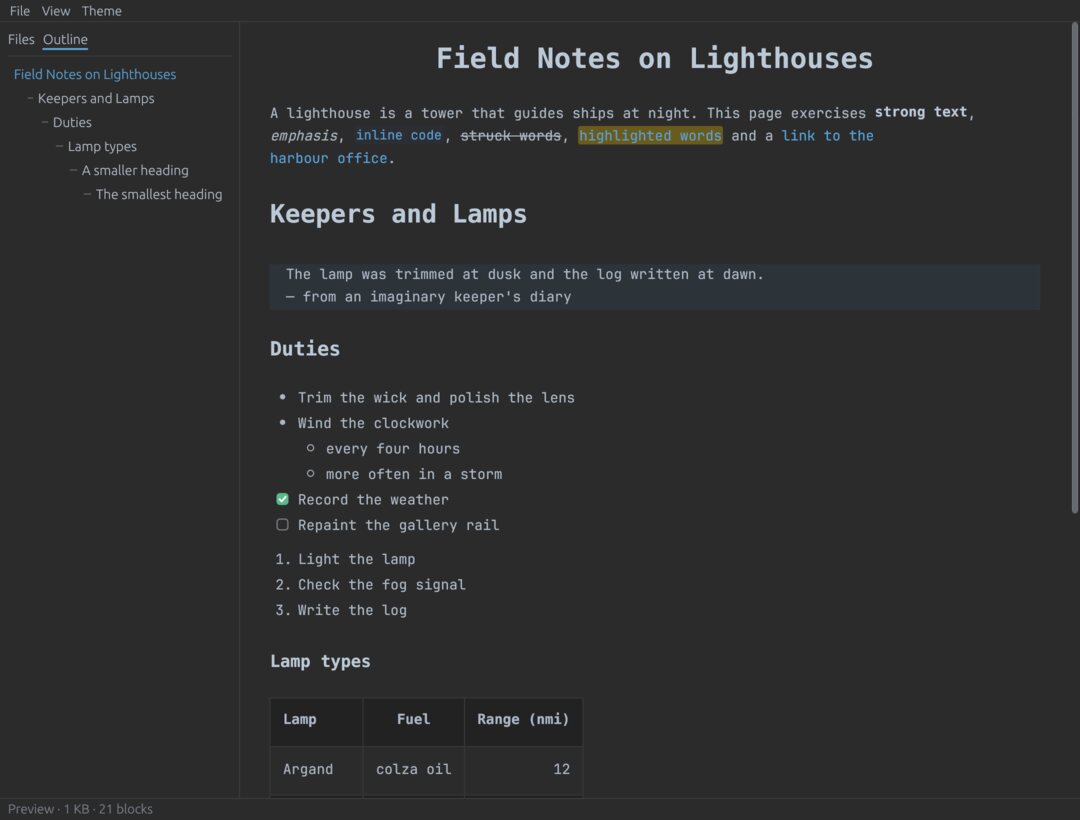
Drake (community theme)


Typora is a trademark of its respective owner. Markise is an independent project and is not affiliated with or endorsed by Typora.
Coming soon
Early preview. Markise already opens and renders documents — fast, themed and faithful to your files — and live-preview editing is being built now. A first release for macOS, Windows and Linux is coming soon.
Roadmap
- Done
Core
Lossless Markdown parser and writer, HTML export, command-line tools.
- Done
Viewer
Fast rendering, outline, file tree, source mode, themes and theme import.
- Next
Editor
Live-preview editing, undo, autosave and recovery.
- Later
Beyond
Math, diagrams, images, export to PDF and more.